Simplified teaching. Empowered learning.
Google Classroom brings together the tools educators need to create, manage, and personalize learning — all in one secure platform. Part of Google Workspace for Education, it helps teachers save time, engage students, and prepare them for the future.
Introducing no-cost Al tools in Google Classroom
Amplify learning impact with Gemini in Classroom, a suite of Al tools for teaching and learning. Advanced capabilities available with Education Plus and select add-ons. Plan lessons, personalize learning, and tackle everyday tasks faster with help from Gemini, your Al assistant for education.
Enrich and personalize learning
Google Classroom gives every student the chance to learn in a way that works for them, meeting learners where they are and helping them build future-ready skills. With AI-powered tools and flexible integrations, educators can:
- Differentiate instruction to support diverse learning needs
- Help students strengthen independent reading and comprehension skills
- Reinforce key concepts through self-paced learning opportunities
- Enhance lessons with popular EdTech integrations for higher engagement
Simplify everyday teaching tasks
Teaching comes with plenty of grunt work — but Google Classroom helps cut it down. With AI-powered and premium features, educators can:
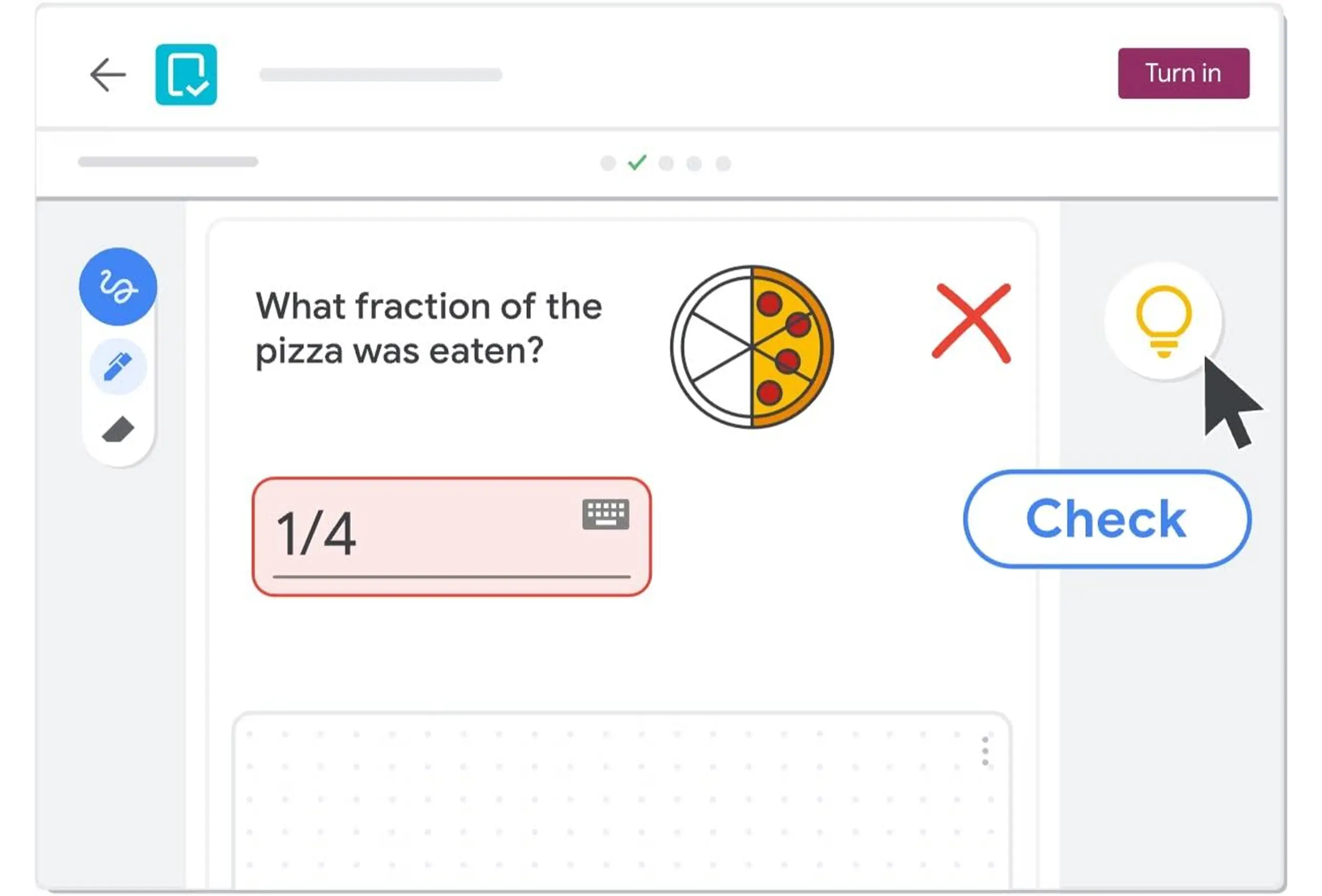
- Create interactive assignments which provide real-time feedback
- Save time grading and streamline feedback across multiple classes
- Support students with tailored resources to build independent reading and comprehension
- Keep learners engaged through seamless integrations with EdTech apps
Operate with solutions designed to gain visibility, insights, and control
Manage with confidence and insight
Classroom isn’t just about teaching — it’s also about giving schools the control and visibility they need. With advanced features, institutions can:
- Manage classes and assignments seamlessly at scale
- Distribute high-quality templates and curricula
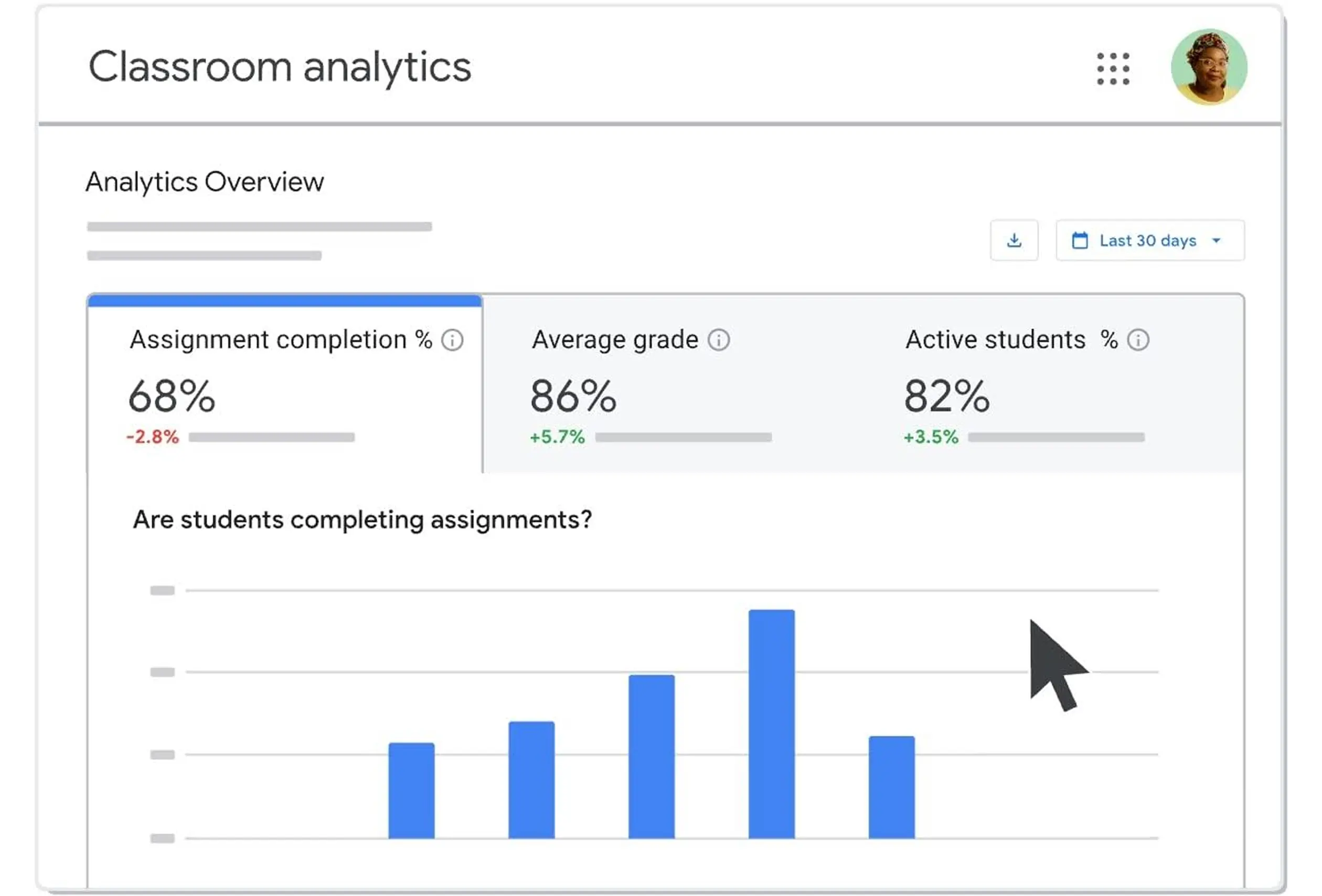
- Use analytics and reporting to make data-driven decisions
- Provide real-time support by virtually visiting classrooms
Get started with Google Workspace
Explore the global impact of Google Classroom and discover how institutions of all different sizes, demographics, and needs are transforming education with Google Classroom.
Why Choose Google Classroom?
Foster Academic Integrity
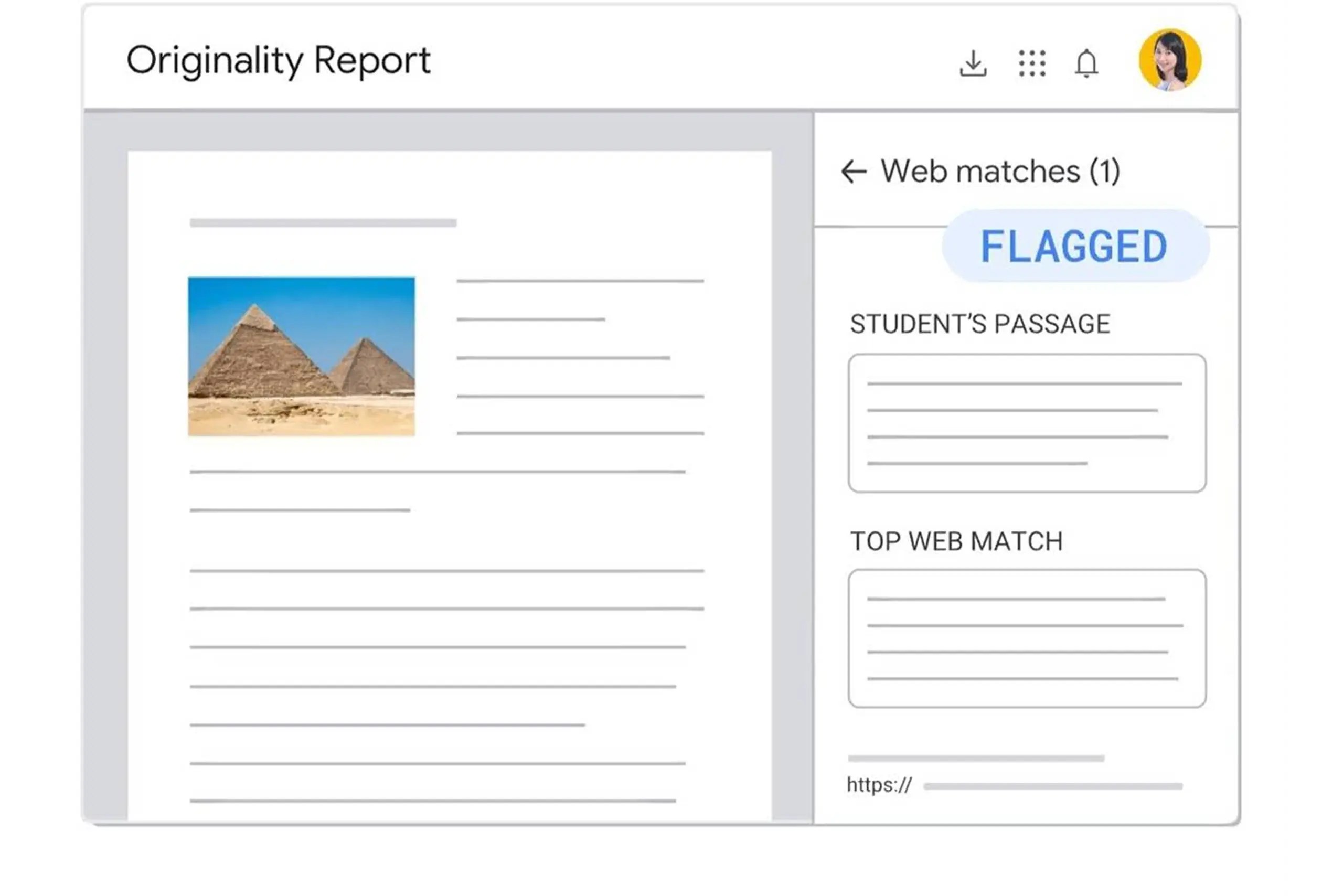
Encourage original thinking with originality reports that check student work against billions of web pages and books.
Prepare Students for the Future
Build essential organization and time management skills with interactive to-do lists, automatic due dates, and industry-leading productivity tools.
Save Time on Everyday Tasks
Easily assign, grade, and provide feedback across multiple classes — even on the go with the Classroom mobile app.
Support Differentiated Instruction
Tailor assignments to each learner, provide real-time feedback, and keep communication open and simple.
Get Creative with Hundreds of Apps
Integrate with a wide range of EdTech apps to spark creativity and expand opportunities for learning.
Extend and Scale with Flexibility
Connect to your student information system (SIS) and customize Classroom with APIs to meet the unique needs of your institution.
AI FOR EDUCATION
Teaching and learning
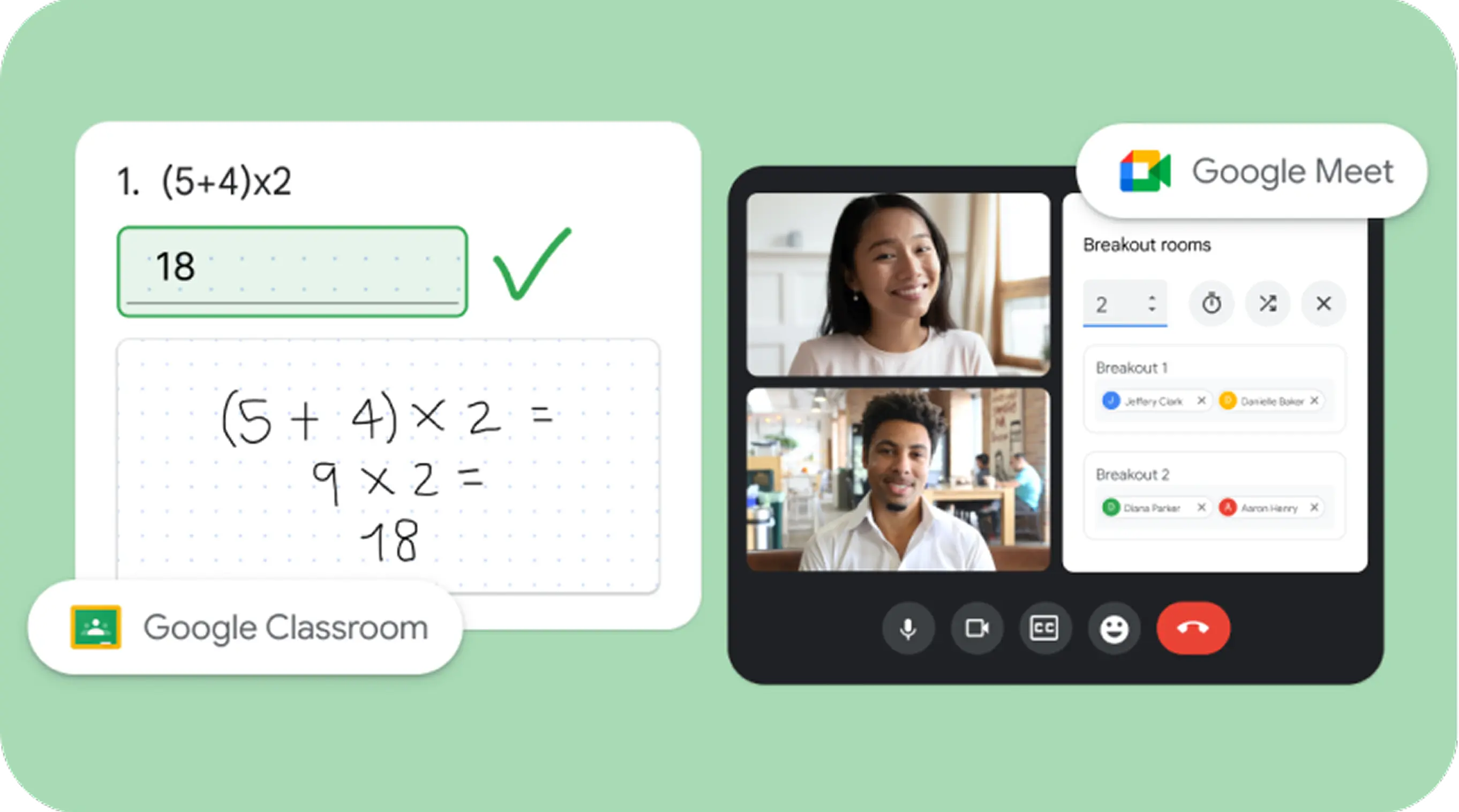
The Teaching and Learning add-on builds on the functionality of Education Fundamentals and helps educators enhance instructional impact with AI-driven tools that enrich and personalize learning, create classroom efficiency, and enable teaching and learning from anywhere.
Frequently Asked Questions
Here are some of the most common questions and answers.
1. What are the resources to get started with Google Workspace for Education?
2. What are the Google tools for education?
3. How do I choose what’s best for my school?
4. What is the difference between free of charge and paid editions of Google Workspace for Education?
5. How do Google Workspace and Chromebooks address data privacy and security concerns?