ByteeIT Logo
workspace logo

Grow your business with Workspace

Get a professional email for your business and familiar tools like Gmail, Calendar, Drive, Docs and more. Now with Gemini, you can boost your productivity with the power of generative AI.
Contact Us

Try Google Workspace for Free!

Enter your details and get a 30-day free trial now.

UAE+971

Why Google Workspace

Google Workspace empowers teams and organizations with powerful collaboration, security, and AI-driven tools to work smarter and faster.

AI tools in Google Workspace
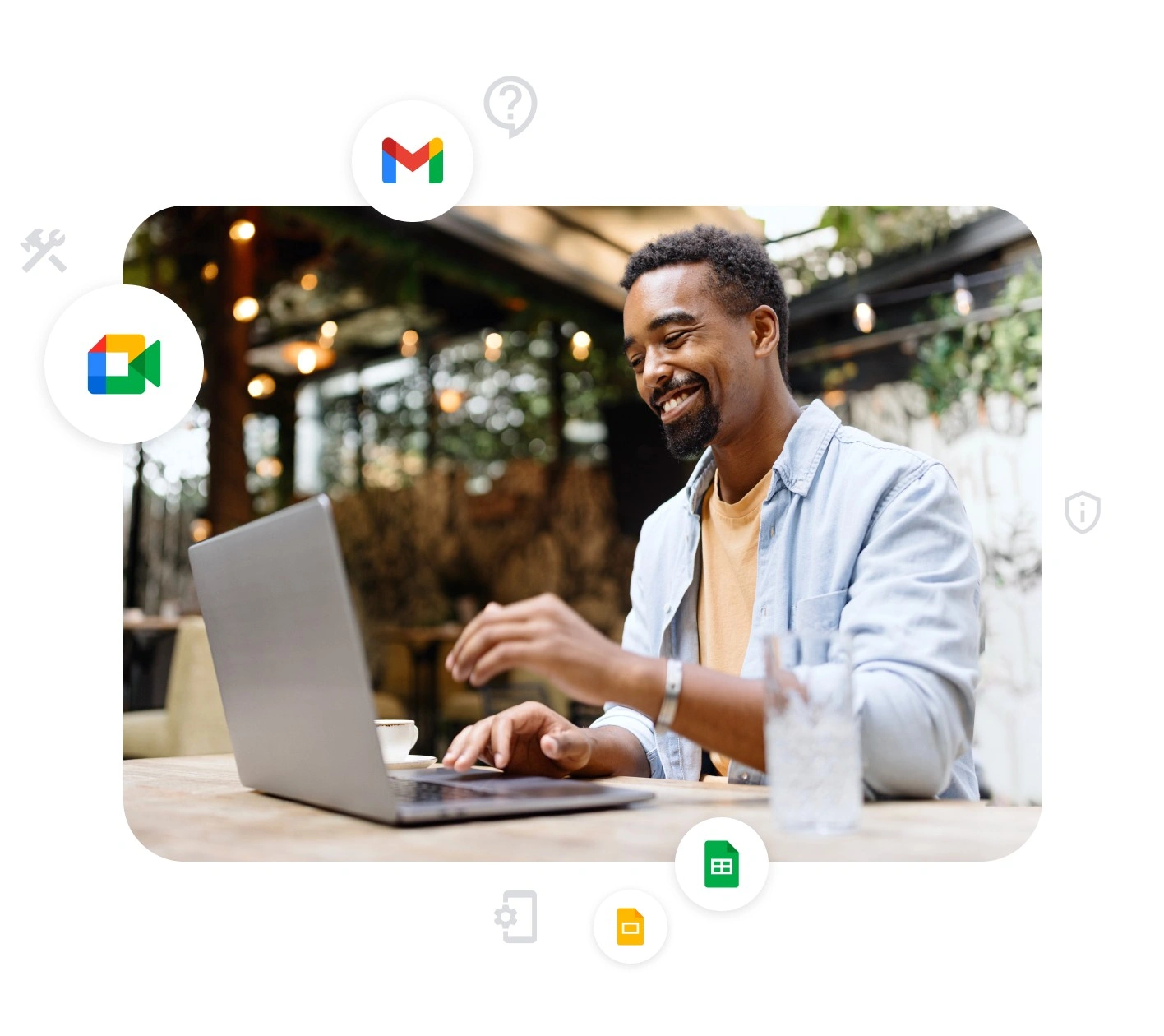
  • Premium AI Built-In

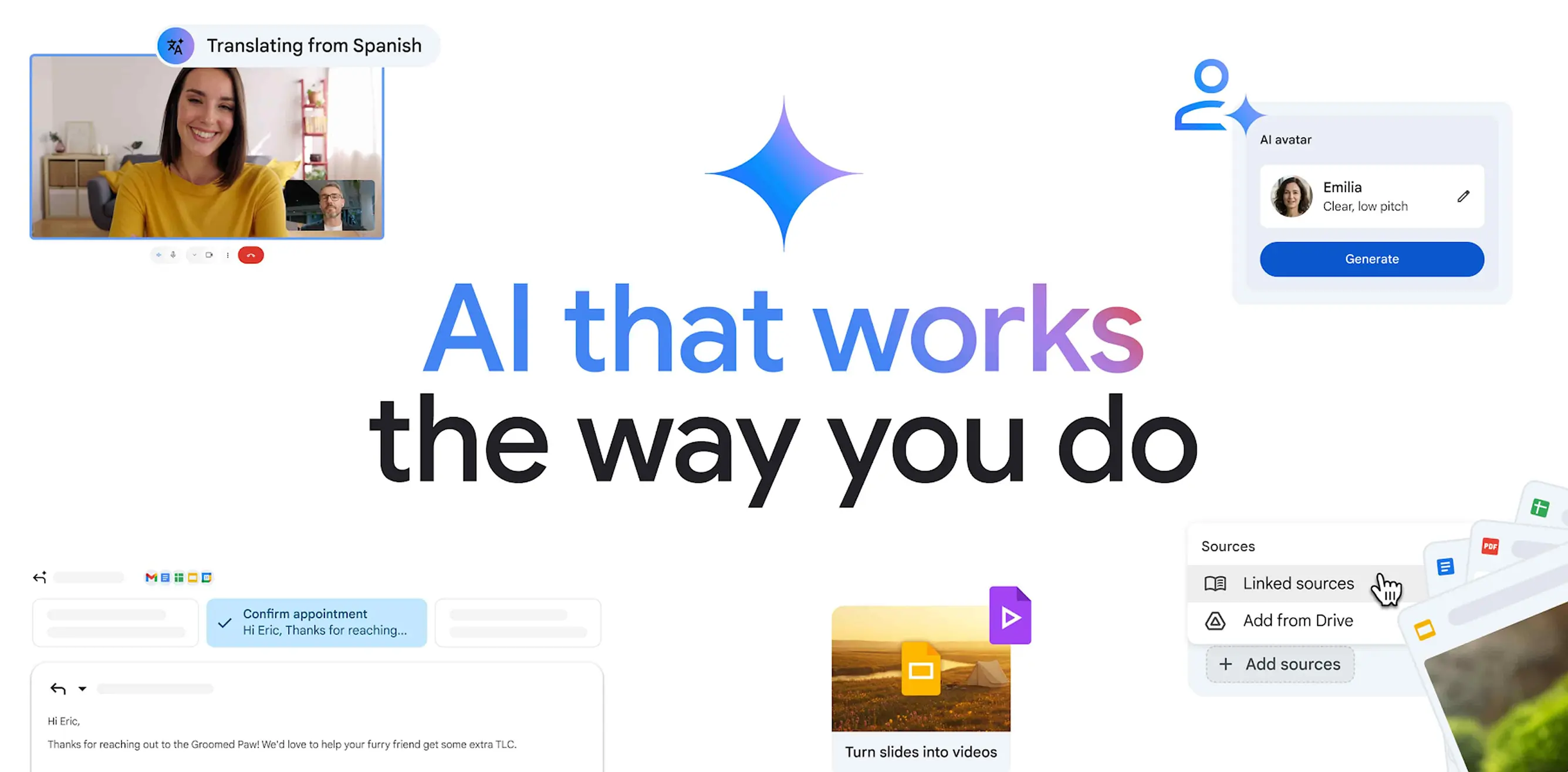
    Work faster and smarter with AI tools like Gemini, NotebookLM, and AI-powered features in Gmail, Docs, Sheets, and more.

  • Born in the Cloud

    Google Workspace was designed for real-time collaboration, accessibility, and seamless performance across devices.

  • Enterprise-Grade Security

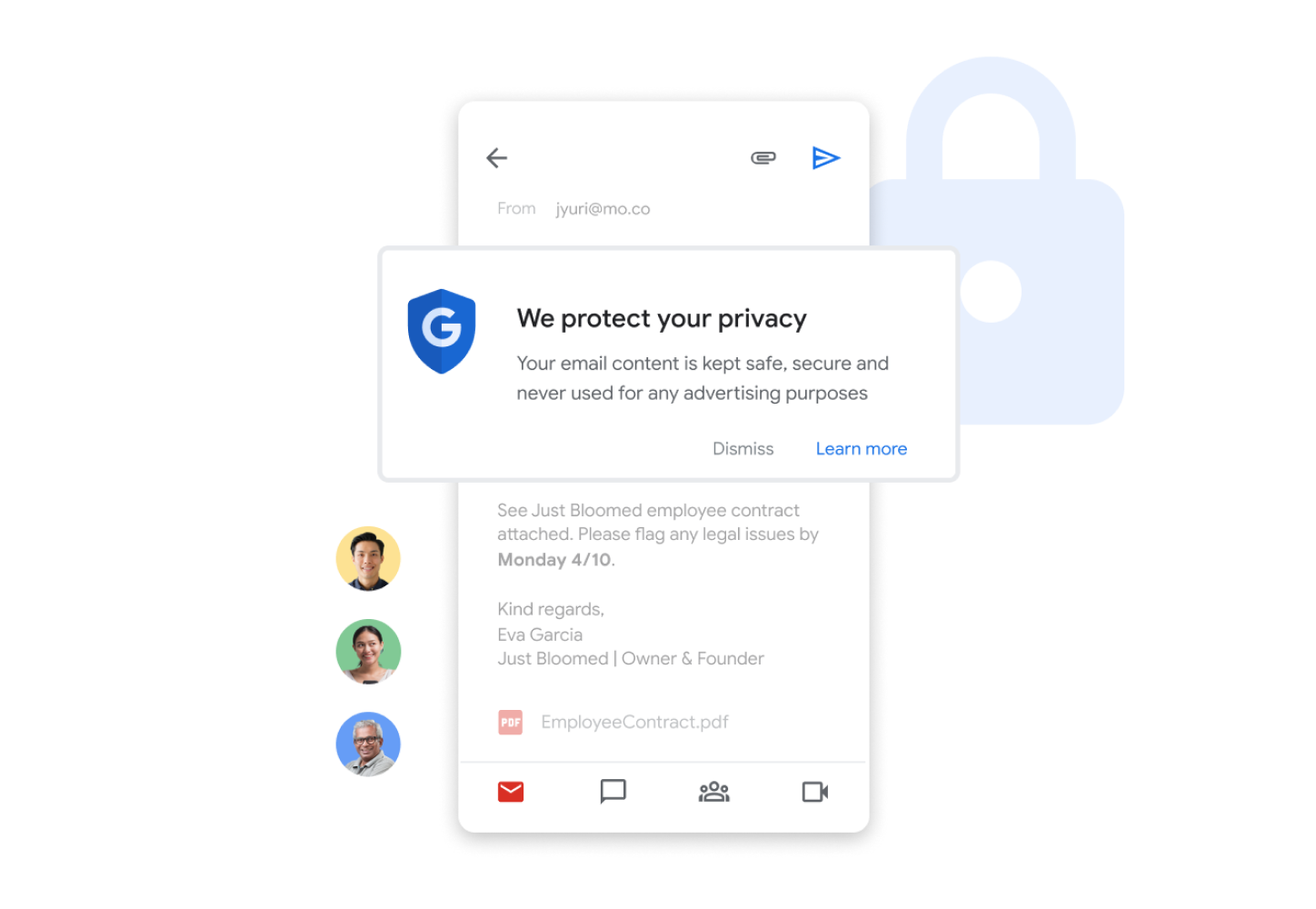
    AI-powered security and compliance controls protect your emails, files, and meetings from modern threats.
Productivity & Collaboration Features

Google Workspace empowers teams and organizations with powerful collaboration, security, and AI-driven tools to work smarter and faster.

Custom business email
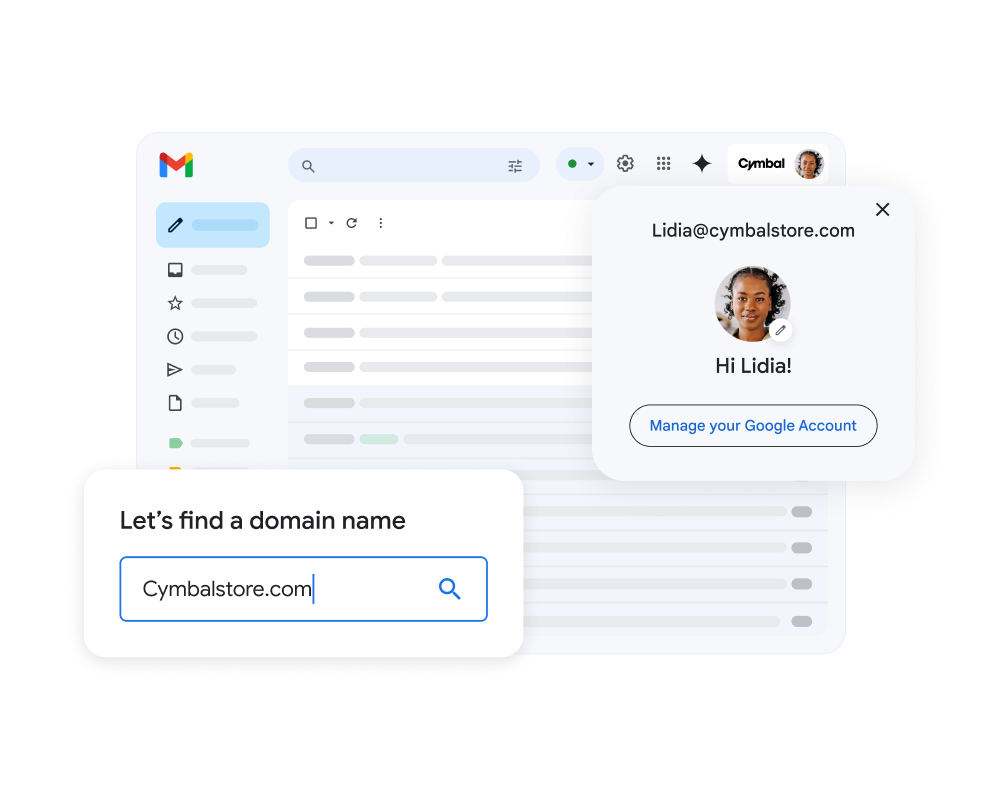
  • Custom Email @yourcompany

    Look professional with branded email at your own domain. Personalize messaging with mail merge and company-wide templates.

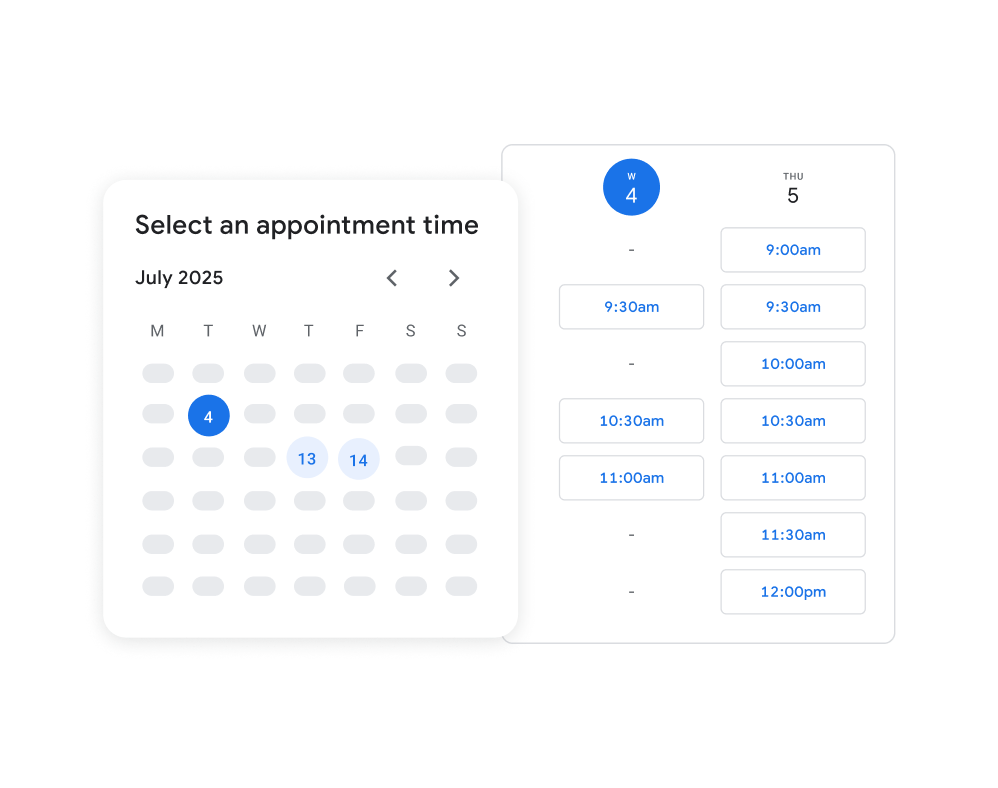
  • Appointment Scheduling

    Let customers book time directly with you through Google Calendar’s booking page—no third-party tools needed.

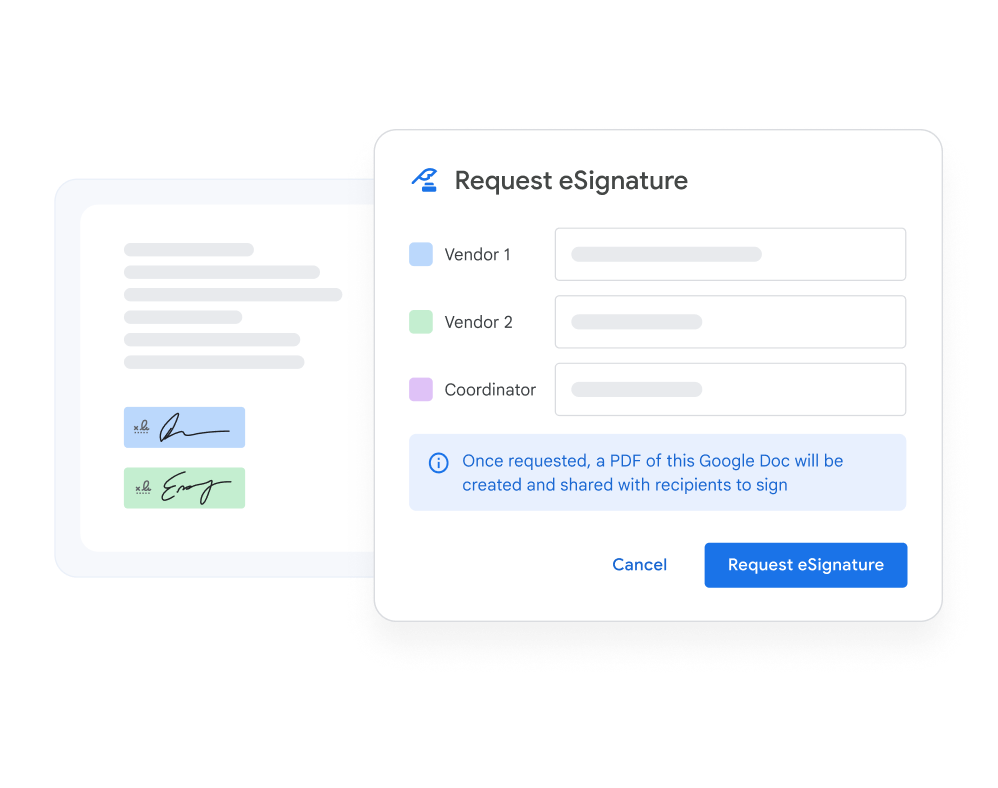
  • eSignature for Contracts

    Request and manage electronic signatures for vendor agreements, customer contracts, and internal approvals directly inside Workspace.

Get started with Google Workspace

Join millions of businesses that run on premium versions of Gmail, Calendar, Drive, Meet and more. Future-proof your business with familiar tools that include AI in every plan.

Contact Us

Why Choose ByteeIT as Your Google Workspace Partner

Streamlined Change Management

Migrating workflows is complex. With a decade of expertise, we help organizations manage transitions at every level—senior management, power users, HR, finance—with minimal disruption.

Extensive Training Programs

Our customized training equips your teams to make the most of Gmail, Drive, Docs, Sheets, Slides, and Meet—empowering even SMBs with limited resources.

24x7 Multilingual Support

Our teams operate across time zones and work weeks, ensuring lightning-fast response times and round-the-clock support.

Custom-Fit Solutions

We go beyond standard scope where needed—tailoring solutions mid-project, compensating for tool limitations, and ensuring every client feels supported.
Stay Ahead with Google Workspace

Learn more about the future of work with Workspace. Stay updated with the latest stories, events, and innovations from Google Cloud.

solutions

Frequently Asked Questions

Here are some of the most common questions and answers.

1. What is Google Workspace?
Google Workspace is a suite of productivity and collaboration tools—including Gmail, Drive, Docs, Meet, and Calendar—enhanced with AI features such as Gemini and NotebookLM. Businesses use it to streamline communication, manage workflows, and securely collaborate in real time.
2. What is Google Workspace used for?
Google Workspace is used for professional email hosting, file sharing, real-time collaboration on documents, secure video conferencing, project management, and AI-powered productivity. It’s a complete digital workplace solution for businesses, schools, and organizations of all sizes.
3. What is the difference between Gmail and Google Workspace?
Gmail is a free personal email service, while Google Workspace is a business-grade solution. Workspace includes Gmail with your company’s domain (you@yourcompany.com), plus added storage, admin controls, advanced security, and integrated tools like Drive, Meet, Docs, and Sheets—designed for enterprise collaboration.
4. Can I use my existing email domain with Google Workspace?
Yes, you can use your existing domain name. Workspace allows you to set up professional email addresses (e.g., name@yourcompany.com) without affecting your website hosting.
5. How easy is it to migrate emails, contacts, and calendars?
Migration from Microsoft 365, Exchange, IBM Notes, and other platforms is fully supported with Google’s migration tools and partner support from ByteeIT.
6. How does real-time collaboration work in Google Workspace?
Multiple users can edit the same document in Docs, Sheets, or Slides simultaneously. Changes are tracked with version history, and sharing permissions can be set at a granular level.
7. Can I share documents with people outside my company?
Yes. Files and folders can be shared externally with specific access levels—view, comment, or edit—controlled by your admin.
8. How secure is Google Workspace?
Workspace includes enterprise-grade security such as data encryption in transit and at rest, multi-factor authentication, data loss prevention (DLP), AI-powered threat detection, and compliance with SOC 2, ISO 27001, GDPR, and HIPAA (with proper configuration).
9. Is mobile device management included?
Yes. Admins can enforce security policies, remotely wipe lost devices, and manage mobile access across Android and iOS without additional software.
10. How many users are allowed on Google Workspace?
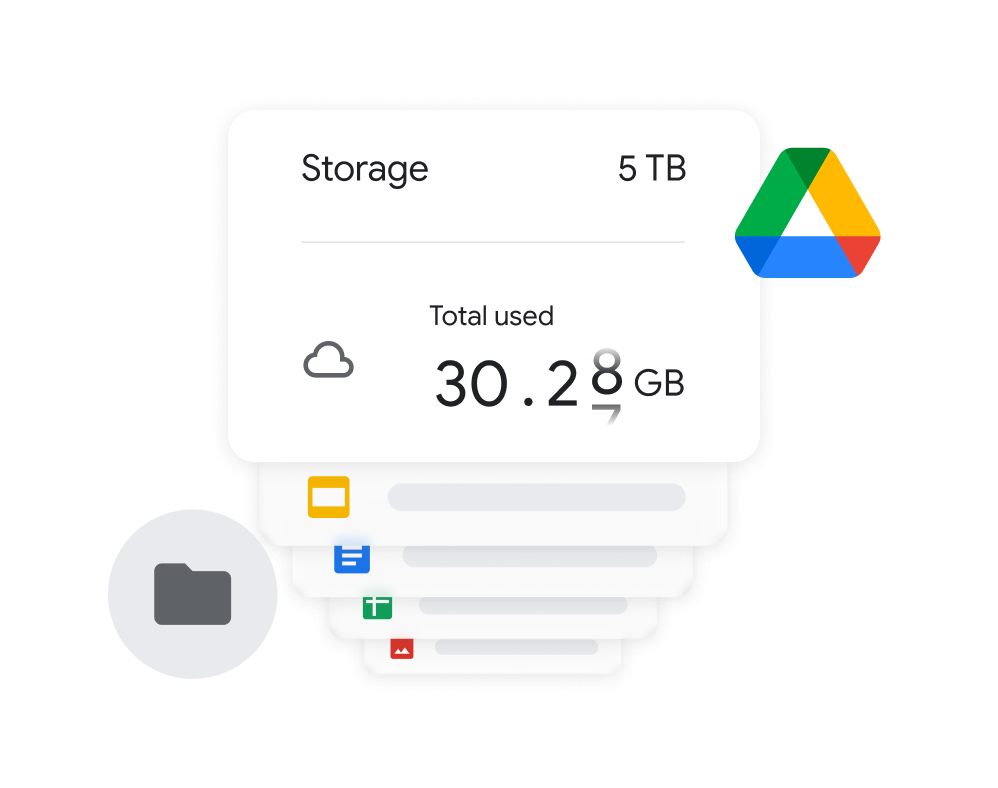
Business Starter, Standard, and Plus editions allow up to 300 users. For larger organizations, the Enterprise edition supports unlimited users with advanced compliance, security, and admin controls.
11. What are the limitations of Google Workspace?
Key limitations include: - A 300-user cap on Business plans. - Storage limits that vary by plan. - Some advanced security and compliance features are available only in Enterprise plans. These can be addressed by selecting the right edition or upgrading as needed.
12. What subscription options are available?
Workspace offers monthly and annual plans across Business Starter, Standard, Plus, and Enterprise editions. Each plan comes with different levels of storage, security, and support.
13. What is the Admin Console?
The Admin Console is your centralized management panel where administrators can create users, manage access, enforce policies, and handle billing.
14. What happens if I forget my admin password?
You can reset it via the “Forgot password?” option at admin.google.com. Recovery instructions are also included in your setup email.
15. How does ByteeIT support Google Workspace customers?
ByteeIT offers end-to-end support including migration, change management, custom training programs, 24/7 multilingual technical support, and continuous optimization of your Workspace environment.
Illustration for FAQ
ByteeIT Logo

At byteeIT, we embrace transformation and innovation to help businesses succeed in the digital era. We understand the unique challenges organizations face and deliver solutions that turn them into opportunities for growth.

Copyright

©

2025 byteeIT. All rights reserved.