Fast, Secure, and Built for the Future: Chromebooks for Every Need
Whether you’re enabling smarter classrooms or powering productive workplaces, Chromebooks are designed to deliver speed, security, and simplicity.
Chromebooks for Education
Why Chromebooks?
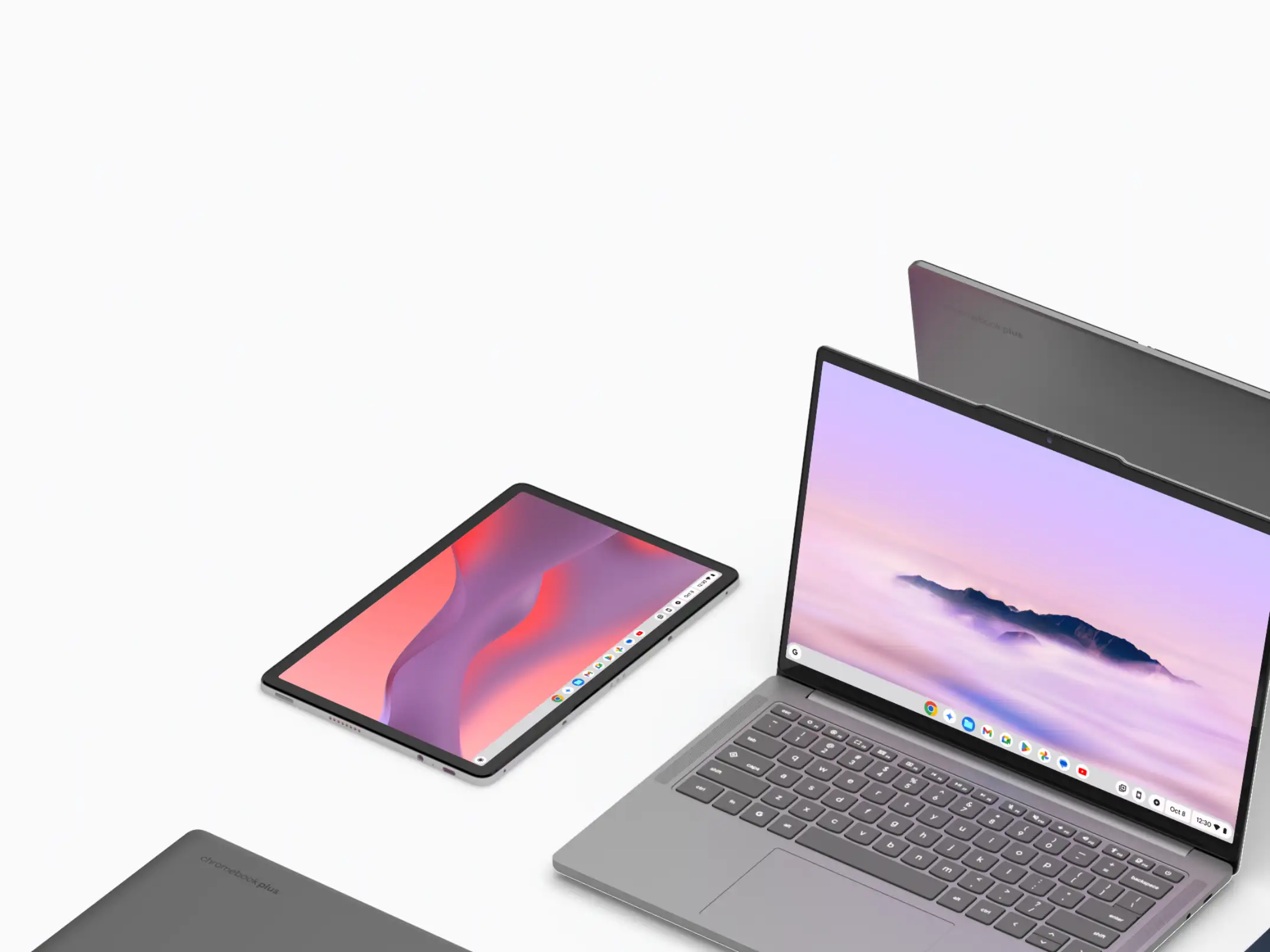
Affordable & Accessible
Built to fit education budgets without compromising quality.
Fast & Reliable
Quick boot times, long battery life, and seamless cloud integration.
Secure Learning
Multiple layers of protection keep students and teachers safe online.
Collaboration Ready
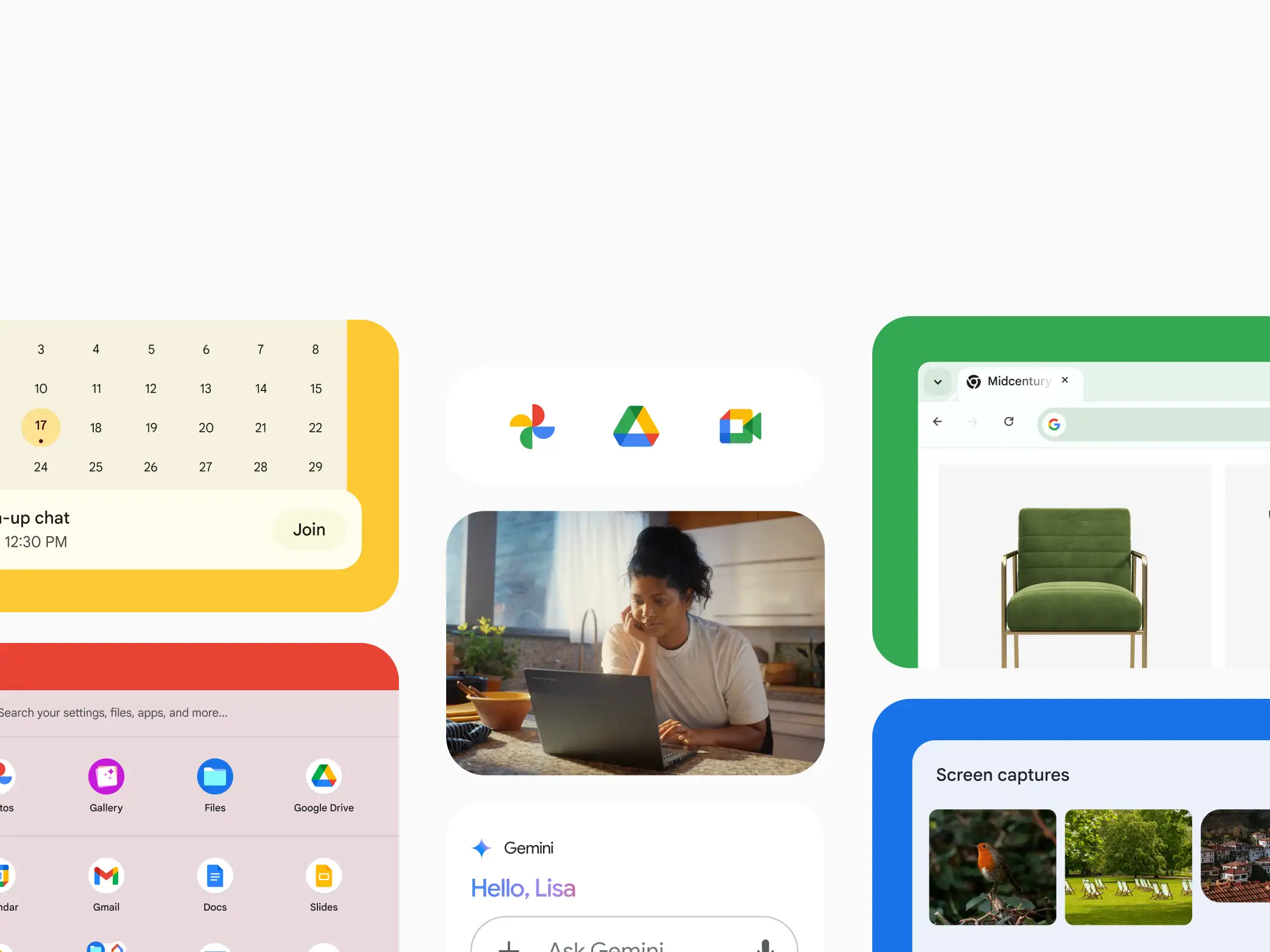
Powered by Google Workspace for Education — enabling real-time learning and teamwork.
Features for Different Roles
K–8 Students
Durable, touch-friendly devices designed for young learners.
High School and College Students
Fast, powerful tools for research, creativity, multitasking, and collaboration.
Educators
Plan lessons, grade, and collaborate with ease — all in one place.
IT Admin & Staff
Deploy, update, and secure devices remotely with centralized controls.

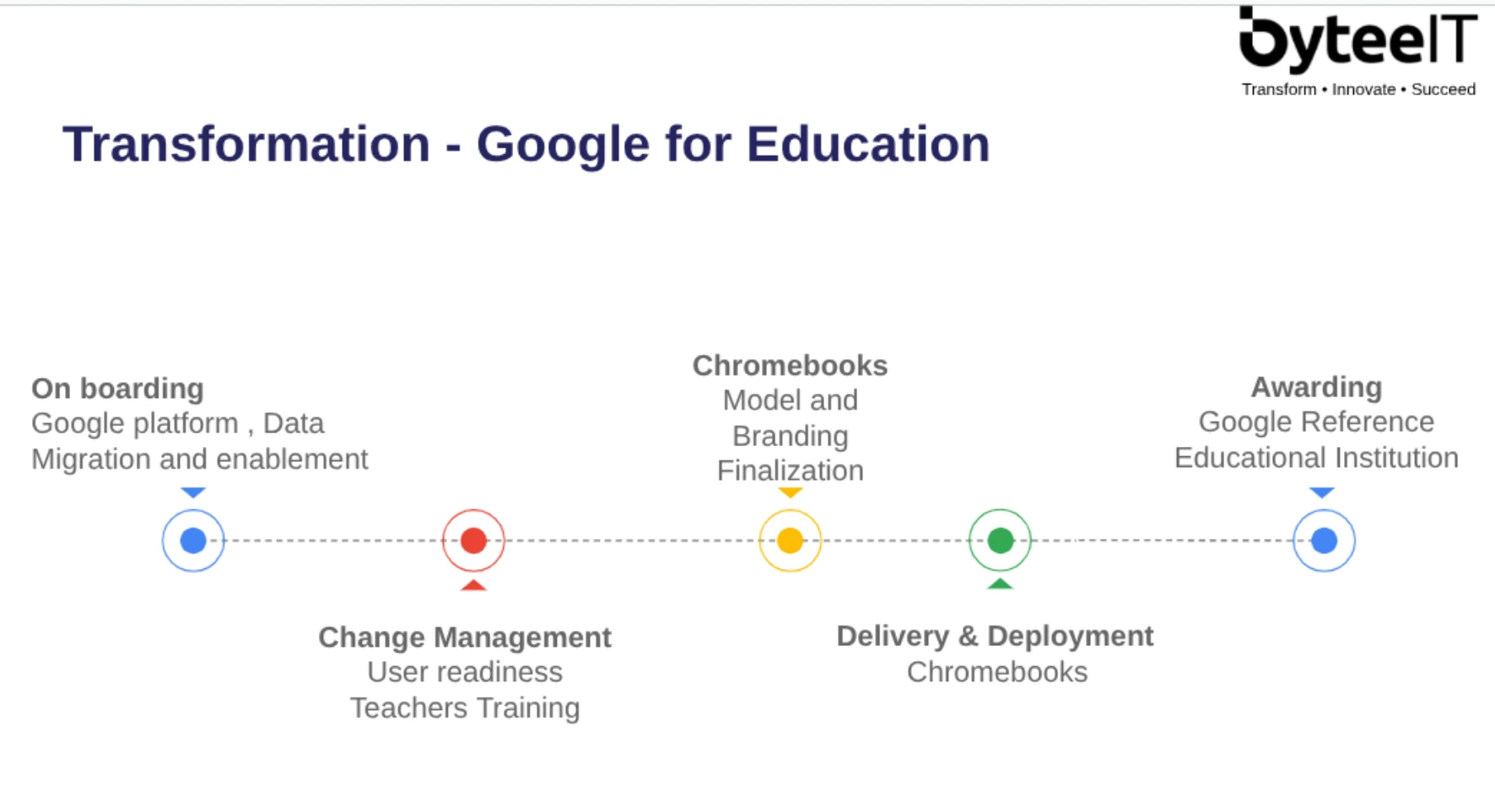
Your Journey to become a Google Reference School (Create a more visually appealing version of this)
Chrome Education Upgrade
Unlocks the full potential of Chromebooks in schools. Benefits include:
- Advanced security and control for IT admins.
- Remote device management.
- Simplified user experience for teachers and students.
Why Chromebooks for Work
Empower your workforce with devices that are secure, cost-effective, and built for the cloud. Whether your teams are on the move or at their desks, Chromebooks make work simpler.

Lower Total Cost of Ownership
Compared to traditional PCs.
Always Secure
Built-in malware and ransomware protection.
Easy Deployment
Deploy in minutes, scale with ease.
Cloud-Powered Productivity
With Google Workspace and web apps.
Role-Based Benefits
Employees
- Lightweight devices with all-day battery life.
- Instant access to cloud-based apps with seamless collaboration across locations.

IT Teams
- Centralized management of users and devices.
- Remote device management.
- Easy policy enforcement across the organization.
Business Leaders
- Reduce IT costs and downtime.
- Enable flexible, hybrid work environments without complexity.

Devices Built for Business
Chromebooks
Portable and versatile — perfect for hybrid and mobile teams.
Chromebase
All-in-one desktop solution for shared workstations, front desks, kiosks, and video conferencing. Clean design, powerful performance, and the same speed and security as Chromebooks.
Chromebooks and Chrome devices give your organization the speed, security, and simplicity needed to stay ahead.
From HR automation to workplace safety and media intelligence, ByteeIT builds AI systems that transform how organizations work, comply, and grow.
Frequently Asked Questions
Here are some of the most common questions and answers.
1. Can I still use Microsoft Office or other apps?
2. How secure are Chromebooks?
3. How do schools or businesses manage a lot of devices?
4. Do Chromebooks work offline?
5. Are Chromebooks really cost-effective?
6. Who are Chromebooks best suited for?